About StashGrid
StashGrid is my personal library of security labs, tools and ideas, shared openly. It isn’t a course, a certification or an authority. It’s what I’m finding, building and trying as I move into hands-on security work, published so anyone else can use it too.
Meet the hosts in 28 seconds. Watch Nova & Nyx on YouTube.
How Nova and Nyx came to be
Nova has been around since June 2025. This website took a lot longer than that, which explains a few things below. Here’s the short version, with the receipts.





Spotted something we got wrong anywhere on StashGrid, or know a better way to do one of the labs? Tell us. No promises on timing, but I read every one.
How it’s made
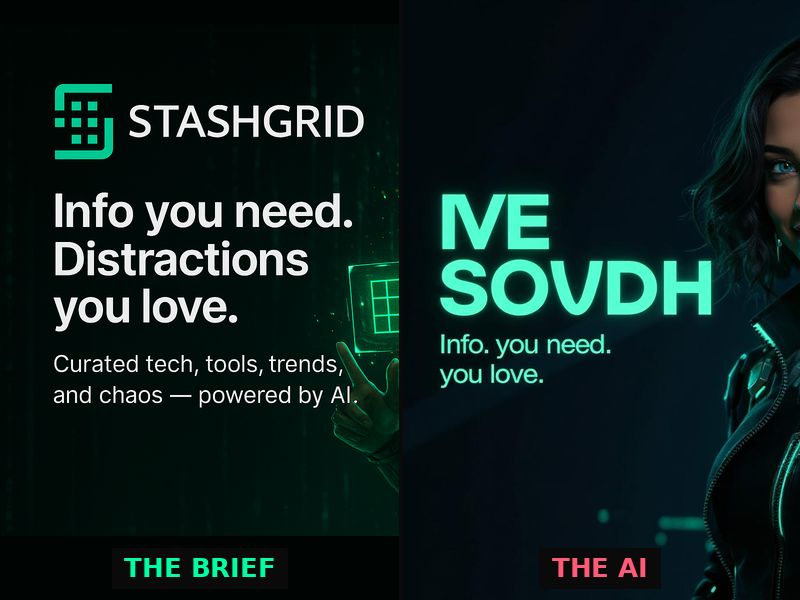
I find the links and pick the ideas. Nova Cache and Nyx Cache are two personas I built, and both are AI. Nova sorts what comes in, tags it, drafts the short note on why each thing was worth keeping, and writes up the labs. Nyx, her older sister, is the second opinion: she checks the work, adds the Nyx notes you’ll see on posts and labs, and says the quiet part out loud. Neither of them is a person, and I’d rather say so than pretend.
The labs start the same way: an idea I want to try, written up with AI help so I can test it and learn from it. The choices are mine. A lot of the typing is shared.
Where the labs stand
Most labs here are idea builds. They’re written and checked against each tool’s own documentation, but I haven’t yet run every one start to finish myself. When I have, the lab will say so, with the setup and the date. Until then, treat a lab as a well-researched starting point rather than a guarantee, and expect the odd step that needs adjusting on your machine.
What you’ll find here
Every entry links out to the original. Nothing here republishes someone else’s article, post or images: the note is original and the source gets the click. That rule is why an earlier version of this project, which harvested and reposted content, was scrapped.
The labs are my own write-ups, built for someone starting with nothing installed.
On the security content
The tools covered here are the ones the field actually uses, offensive ones included. Every lab targets deliberately vulnerable practice environments or hosts that explicitly permit scanning. Never a system you don’t own or have written permission to test. Each lab says so in its own banner, and that isn’t boilerplate.
Who this is for
Anyone curious enough to try things in a home lab, especially people tired of guides that say “you’ll need Kali” and stop there. If you want an official course, this isn’t it. If you want ideas to try and someone else’s notes to compare with, welcome.
Tell me what’s wrong
If something here is wrong, reads like AI slop (padded, confidently wrong, or clearly written by something that never touched the tool), or a lab doesn’t work on your setup, that’s a defect, not a house style. Send it to me and I’ll fix it or take it down. The same goes for a dead link or a tool that has quietly gone paid. Ideas and suggestions are just as welcome.